Why Your Phone Won’t Charge: Common Charging Port Problems and Local Fixes in Kent
Learn the typical reasons phones stop charging, safe checks and simple cleaning steps you can try at home in Kent, and what to expect from same‑day charging port repairs and battery replacements at The Repair Hub Kent in Rochester.
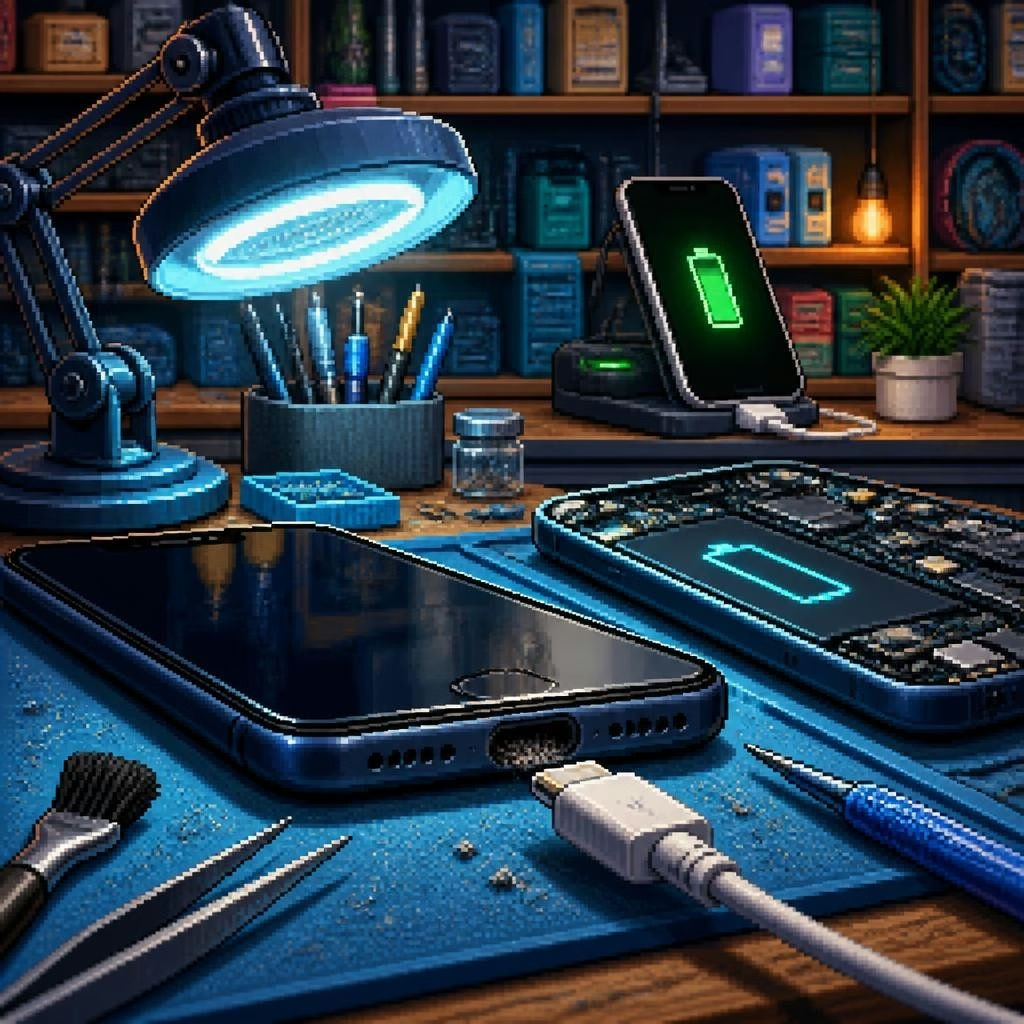
Quick overview: is it the phone or the charger?
When a phone won’t charge, the problem can come from a few different places: the cable or power adapter, the charging port on the phone, or the battery and internal circuitry. Before you panic, try a couple of quick checks — swapping the cable and charger with one you know works and testing a different power outlet. If another cable or charger powers the phone, you’ve narrowed it down to the accessory rather than the phone itself.
Common charging port issues
Charging ports collect lint, dust and pocket debris, which prevents a secure connection. Physical damage is also common: bent or broken pins, cracked port housings, or corrosion from moisture. In some cases the port’s solder joints can lift from the board, or the charging IC / power circuitry fails — those kinds of problems usually need a technician’s attention. Battery wear can mimic charging faults too: an old battery may refuse to accept charge even when the port and cable appear fine.
Safe cleaning steps you can try at home
If you suspect fluff or debris, power the phone off first. Use a straightened toothpick, wooden or plastic skewer, or a soft anti‑static brush to gently dislodge lint — avoid metal tools and do not poke hard. A short burst of canned air can help blow debris out, but hold the can upright and don’t overdo it. After cleaning, try a known‑good cable again. If you see dirt or corrosion that won’t come out, stop and seek professional help to avoid pushing debris further into the port.
Testing cables, adapters and software settings
Always test with multiple cables and adapters — cheap or damaged cables are a surprisingly common cause of charging issues. Try a different USB port (wall adapter vs computer) and check for bent connectors. Also look at software: some phones have charging‑related settings, battery health screens, or software updates that can affect charging behavior. A quick reboot or a soft reset can sometimes restore charging when the hardware appears fine.
When it's likely a battery or internal fault
If the phone only charges intermittently, shows a battery percentage that jumps around, or won’t power on even with a known‑good charger, the battery or internal power circuitry may be failing. Swollen batteries are a safety concern and should not be charged further; power the device down and seek service. Replacing a worn battery is a common repair that restores usable life without replacing the whole phone.
What a Rochester technician can do same‑day
At The Repair Hub Kent (based in Rochester, serving Kent and nearby areas), technicians routinely diagnose charging problems and carry out repairs you can expect same‑day for many phones: cleaning and repairing charging ports, replacing damaged port assemblies, swapping worn batteries, and replacing broken connectors. The team is known locally for fast turnarounds, clear communication, and sharing before/after photos so you can see the repair results before collecting your device.
What to bring and what to expect at drop‑off
Bring any cables or adapters you normally use so the technician can test with your equipment. Back up important data if possible; while many repairs don’t affect data, it’s a good precaution. The Repair Hub Kent accepts drop‑offs at their Rochester location and offers same‑day service for many repairs — devices dropped after the evening cutoff may be ready the next day. Expect the technician to explain the diagnosis, outline repair options (e.g., port repair vs replacement or battery replacement), and confirm cost before proceeding.
Tips to prevent future charging problems
Keep ports covered when not in use — a small dust plug or storing your phone mouth‑up in a pocket helps. Avoid forcing connectors and unplug by the plug, not the cable. Clean the port gently every few months and replace worn cables promptly. If you frequently use your phone in damp or dusty environments, consider a protective case that shields the port. And if you’re unsure, get a quick inspection early — many local customers appreciate fast, affordable repairs that stop small problems becoming bigger ones.
Article by
The Repair Hub Kent
Welcome to The Repair Hub Kent, where expert repairs meet exceptional service! At The Repair Hub Kent, we pride ourselves on being your go-to destination for reliable and efficient repair services. Our dedicated team of skilled technicians is committed to bringing your electronic devices and appliances back to optimal functionality. Same day repair service for all consoles dropped off to us. Any consoles dropped after 6pm will be ready the following day. Call for availability. Electronics Repair: From smartphones and tablets to laptops and gaming consoles, our technicians are well-versed in diagnosing and repairing a wide range of electronic devices