PS5 Fan Noise & Overheating: Simple Checks Kent Gamers Can Do Before Booking a Repair
Practical, safe steps PS5 owners in Rochester and Kent can try at home to reduce fan noise and overheating, how to test whether the console is healthy, and when to bring it to The Repair Hub Kent for a professional clean or repair.
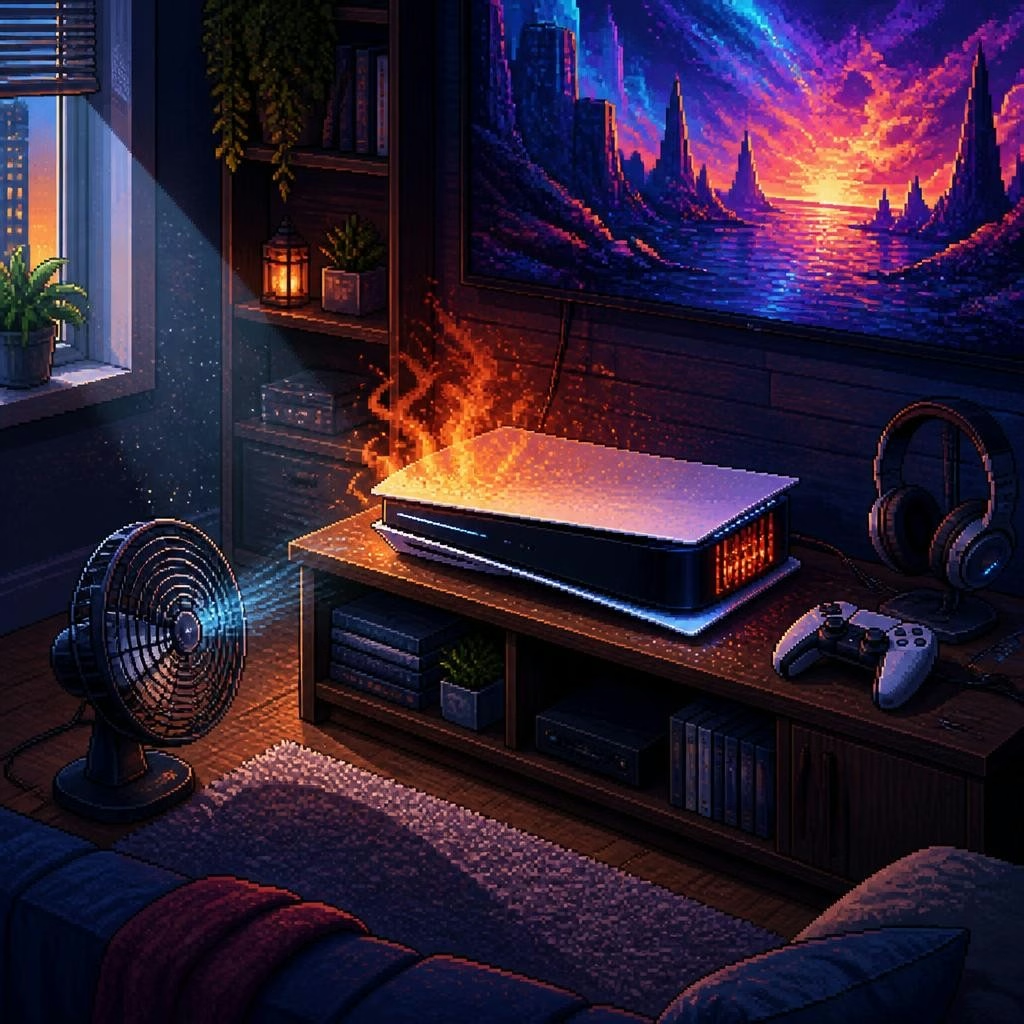
Why fan noise and hot air happen
If your PS5’s fan is louder than usual or the console is blowing very hot air, there are a handful of common causes: restricted airflow, surface dust in the vents, heavy processor load, or an internal cooling fault (loose fan connector, worn thermal paste, or clogged heatsink). Many issues are simple housekeeping problems you can check at home; others are best handled by a technician to avoid further damage or shutdowns mid‑game.
First check: placement and airflow
Before touching anything, look at where the console sits. Make sure the PS5 has open space on all sides — especially around the vents — and isn’t tucked into a closed cabinet, on soft surfaces (like a carpet or sofa), or leaning against other electronics. Move it to a well‑ventilated area and try running a game or stream for a short time to see if fan noise improves. If temperature and noise drop after changing the location, restricted airflow was likely the main problem.
Quick dust checks you can do safely
Turn off and unplug the PS5 before you inspect it. Look into the intake and exhaust vents for visible dust buildup. Gently use a soft brush, a dry microfiber cloth, or short bursts from a can of compressed air held at a distance to remove loose dust from external vents — don’t insert tools or force anything into the slots. Avoid opening the case yourself unless you have experience; internal cleaning is often what fixes persistent overheating, but it’s also where delicate connectors and warranty concerns come in.
Software checks and simple resets
Make sure your PS5 firmware is up to date: system updates can improve fan behaviour and thermal management. Restart the console after updates and try a power cycle (full shutdown, unplug for a minute, then restart). If the console supports it, rebuilding the database via Safe Mode can help with software-related performance spikes. These software steps are low risk and worth trying before any hardware work.
Run a short test to assess severity
To judge if the problem is mild or serious, run a reproducible test: play a graphically demanding game or stream a 4K video for 15–30 minutes while keeping an eye on noise and temperature. Note whether the fan ramps up only under load (normal) or runs loud even at the menu/home screen (sign of a problem). More concerning signs are repeated automatic shutdowns, unusually high heat after short play sessions, or any burning smell — those indicate you should stop using the console and seek professional help.
When it’s time to book a professional clean or repair
If airflow and surface dust cleaning don’t help, or your PS5 is shutting down, making grinding or very loud fans, or you suspect a loose fan connector, it’s time for a technician. The Repair Hub Kent in Rochester offers same‑day console service and has fixed overheating and shutdown faults for many local customers, often returning consoles the next day or sooner. Customers report quick turnaround, clear before/after photos, and lasting results after internal cleaning or connector repairs — useful if you prefer to see proof before collecting your device.
What to expect and a short DIY checklist
If you decide to bring your PS5 in, expect a professional inspection, internal cleaning when needed, and electronics repairs only when necessary (for example, fan connector or heatsink servicing). The Repair Hub Kent handles consoles, sends photos/videos of the fix when requested, and commonly completes many jobs same day — call ahead to confirm availability. Quick DIY checklist before booking: move the PS5 to open space, blow out external vents safely, update system software, power‑cycle the console, and run a 15–30 minute test. If noise, heat, or shutdowns persist after these steps, bring the console in rather than continuing to use it.
Customer review


Article by
The Repair Hub Kent
Welcome to The Repair Hub Kent, where expert repairs meet exceptional service! At The Repair Hub Kent, we pride ourselves on being your go-to destination for reliable and efficient repair services. Our dedicated team of skilled technicians is committed to bringing your electronic devices and appliances back to optimal functionality. Same day repair service for all consoles dropped off to us. Any consoles dropped after 6pm will be ready the following day. Call for availability. Electronics Repair: From smartphones and tablets to laptops and gaming consoles, our technicians are well-versed in diagnosing and repairing a wide range of electronic devices