Nintendo Switch Repair in Rochester: What Parents Ask About Joy‑Cons, Screens & Charging Ports
A practical guide for Rochester families explaining the most common Switch problems (cracked screens, dock/charging faults and Joy‑Con issues), how to tell if a console is safe for a child to use, and what to expect when you bring a Switch to The Repair Hub Kent.
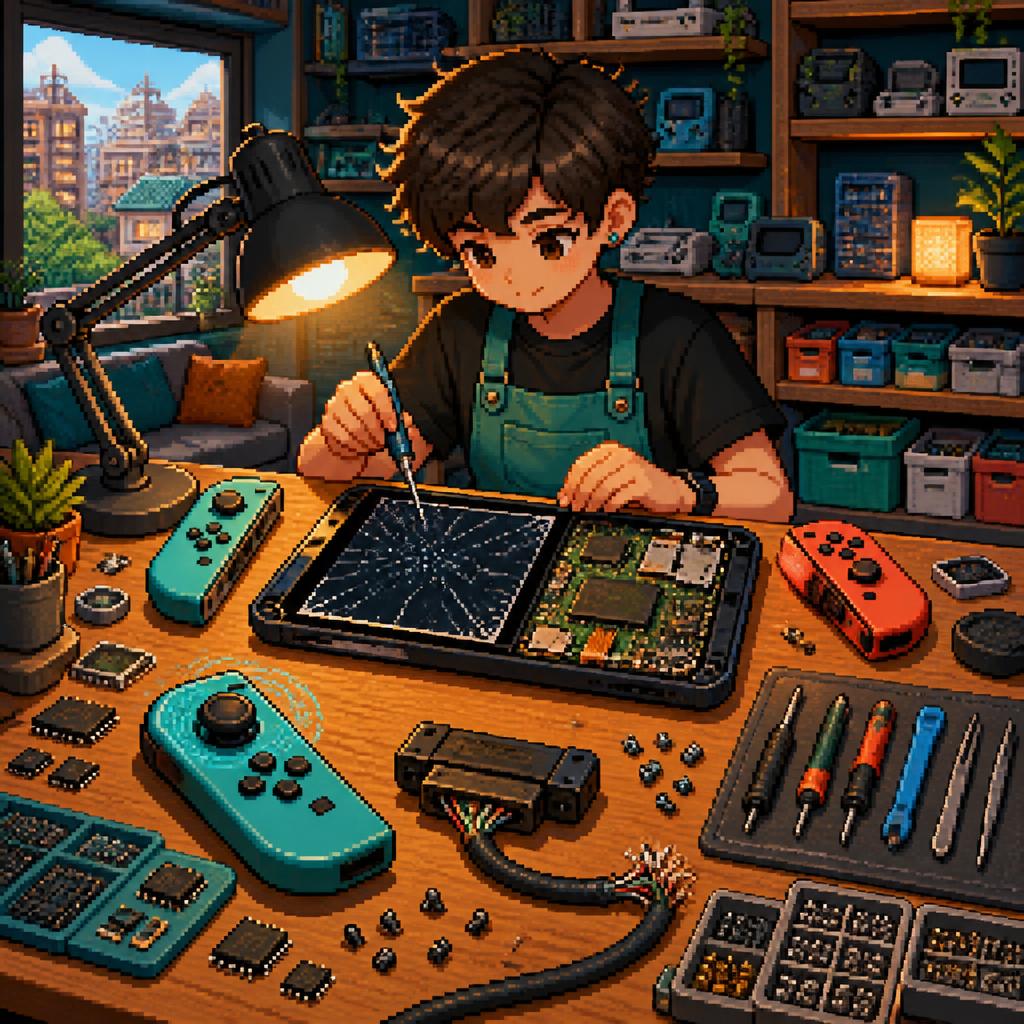
Why local parents bring their Switch to The Repair Hub Kent
Families in Rochester and nearby parts of Kent often come to The Repair Hub Kent because the team specialises in consoles and offers fast, clear service. Many customers report quick turnaround and good communication — some use WhatsApp for updates and photos — and there’s a mail‑in option if you can’t drop the console off in person. The Repair Hub also offers same‑day repair for consoles dropped off during the day (items dropped after 6pm are typically ready the following day; call for availability).
Cracked or shattered screens: what to watch for
A cracked Switch screen is common in family households. Signs include visible cracks, dead pixels, black spots, touch not responding or parts of the screen that flicker. If the glass is shattered and edges are sharp, it’s safer to stop using the console until it’s repaired to avoid cuts. For non‑touch problems (like internal LCD damage) you may still notice distorted images or colour issues. Typical repair steps are a diagnostic, replacement of the damaged LCD/display assembly if needed, careful reassembly and thorough testing. Many customers receive their repaired Switch the same day or within a day depending on drop‑off time and part availability.
Dock, charging and power faults: quick checks and risks
Dock or charging issues often show up as the console not charging, not displaying through the dock, or intermittent power. Before a repair visit try a different known‑good charger and cable and check the dock’s HDMI and power leads. Stop using the Switch if you notice excessive heat, burning smells, sparks, battery swelling, or the console won’t power on at all — these are signs to power down and get it inspected. Repairs range from cleaning and reconnecting ports to replacing damaged charging components; The Repair Hub diagnoses the root cause, carries out the required fix and runs post‑repair tests to confirm charging and video output are stable.
Joy‑Con problems parents ask about most
Joy‑Con troubles are extremely common in homes: stick drift, unresponsive buttons, broken rails or detached housing from drops. For little kids, the most frequent issues are loose or sticky buttons and drift from heavy use. Minor faults can often be fixed by recalibration or component replacement; broken rails or severe physical damage sometimes require full Joy‑Con replacement or more involved repair. The technician will test each Joy‑Con with games and system diagnostics to ensure buttons, sticks and motion sensors work correctly before returning the controller.
What a typical Switch repair visit looks like
On arrival a technician will perform a quick diagnostic and explain the issue and available options — expect clear communication and a price estimate before work starts. If you prefer remote contact, you can use WhatsApp or the mail‑in service: several customers mention receiving photo updates and speedy replies. Once you approve the repair, parts are fitted, the console is cleaned and fully tested (including charging, display and controller checks). Depending on the fault and when the device was dropped off, many Switch repairs are completed same‑day or the following day.
When it’s not safe for kids to keep using a Switch
There are a few clear danger signs: a swollen battery, strong burning or chemical smells, visible sparks, smoking, severe internal damage exposing circuitry, or the console becoming extremely hot very quickly. If you see any of these, power the unit off, unplug it and keep it out of children’s hands until a technician can inspect it — don’t try to open or fix a battery problem at home. For milder faults (cracked screens, sticky buttons, drift) it’s usually fine to limit use and bring the device in for repair.
Practical tips for parents before and after repair
Before bringing a Switch in, remove any microSD cards and game cartridges and back up save data if possible. Label cables and controllers so nothing is lost in transit. Ask for photo or video evidence of the repair and run through tests together at collection to make sure everything is working as expected. After repair, consider simple protective steps: a screen protector, a soft case, Joy‑Con grips and a routine cleaning schedule to reduce dust in ports. Many locals praise the Repair Hub’s friendly communication and fast turnaround — they’re happy to explain what was done and offer care tips on collection.
Customer review


Article by
The Repair Hub Kent
Welcome to The Repair Hub Kent, where expert repairs meet exceptional service! At The Repair Hub Kent, we pride ourselves on being your go-to destination for reliable and efficient repair services. Our dedicated team of skilled technicians is committed to bringing your electronic devices and appliances back to optimal functionality. Same day repair service for all consoles dropped off to us. Any consoles dropped after 6pm will be ready the following day. Call for availability. Electronics Repair: From smartphones and tablets to laptops and gaming consoles, our technicians are well-versed in diagnosing and repairing a wide range of electronic devices